
AeroDyn
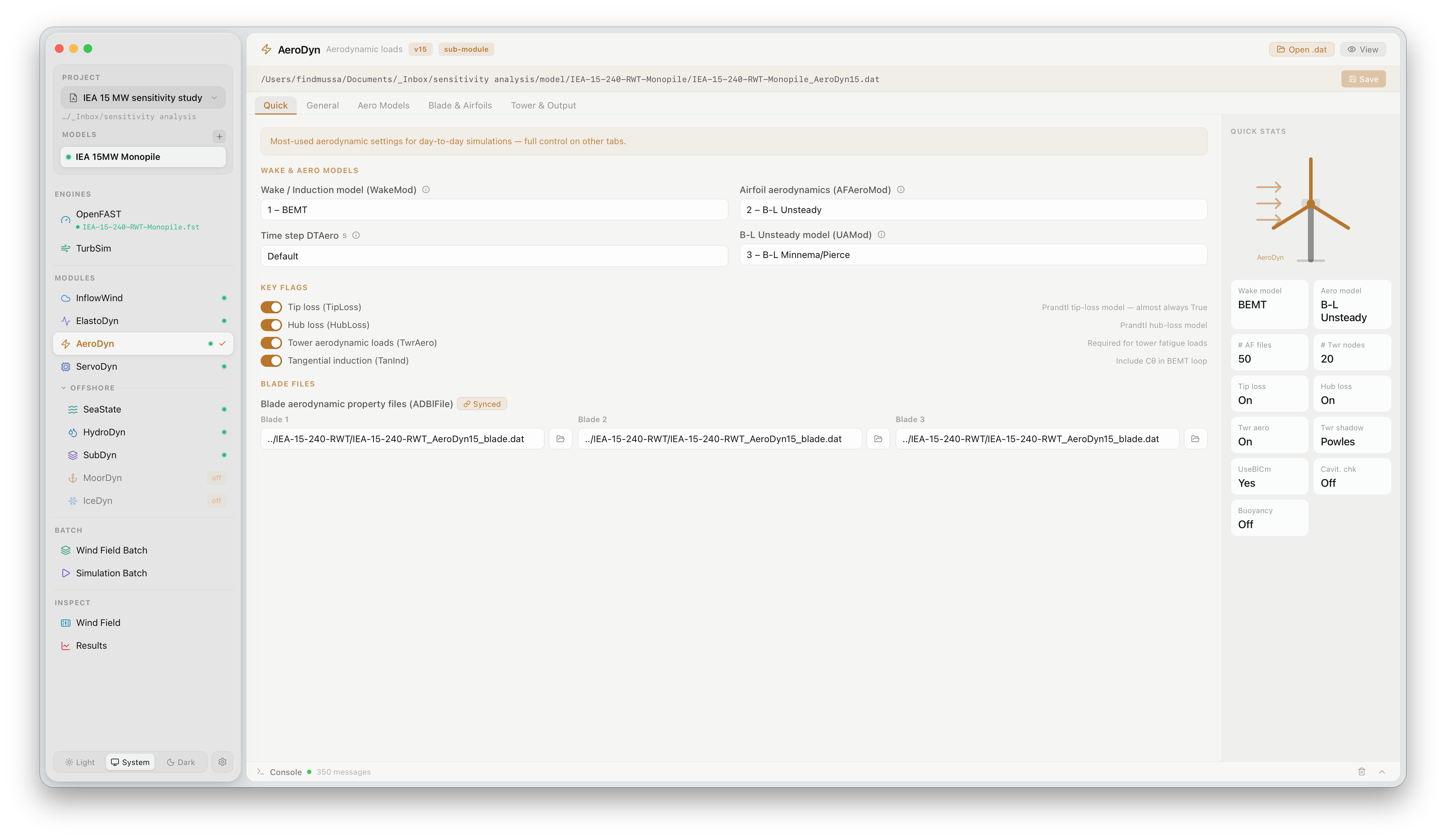
The AeroDyn panel exposes the aerodynamic calculation settings used by OpenFAST to compute rotor forces and moments. Click AeroDyn under MODULES in the sidebar to open it.
What this panel controls
Section titled “What this panel controls”AeroDyn computes aerodynamic loads on each blade element using Blade Element Momentum (BEM) theory with optional higher-order corrections. The panel gives direct access to the primary switches that control which physical effects are included:
| Setting | Description |
|---|---|
| Wake model | BEM (BEMT) or free-vortex wake (OLAF). BEMT is faster; OLAF captures near-wake effects for floating or closely spaced turbines |
| Dynamic stall | Unsteady aerodynamic model — Beddoes-Leishman (DBEMT) or steady (None) |
| Skewed wake correction | Accounts for rotor operating in non-axial inflow (yaw error, tilt) |
| Tip loss | Prandtl tip and hub loss correction |
| Tower shadow | Potential-flow or tower drag model for blade-tower interaction |
Airfoil polar files (.dat) referenced by AeroDyn are loaded from the model directory. FlowUrja Studio displays the path for each blade station but does not edit polar data directly — changes to airfoil files should be made in the model directory before running.
Official documentation
Section titled “Official documentation”For a full description of all AeroDyn parameters, see the OpenFAST AeroDyn User’s Guide.