
Installation
FlowUrja Studio ships as a self-contained native binary. No Python, no Node.js, no separate OpenFAST or TurbSim installation required — everything is bundled.
Requirements: macOS 13 Ventura or later, Apple Silicon (M1 or later).
- Download the latest
.dmgfrom the Releases page. - Open the
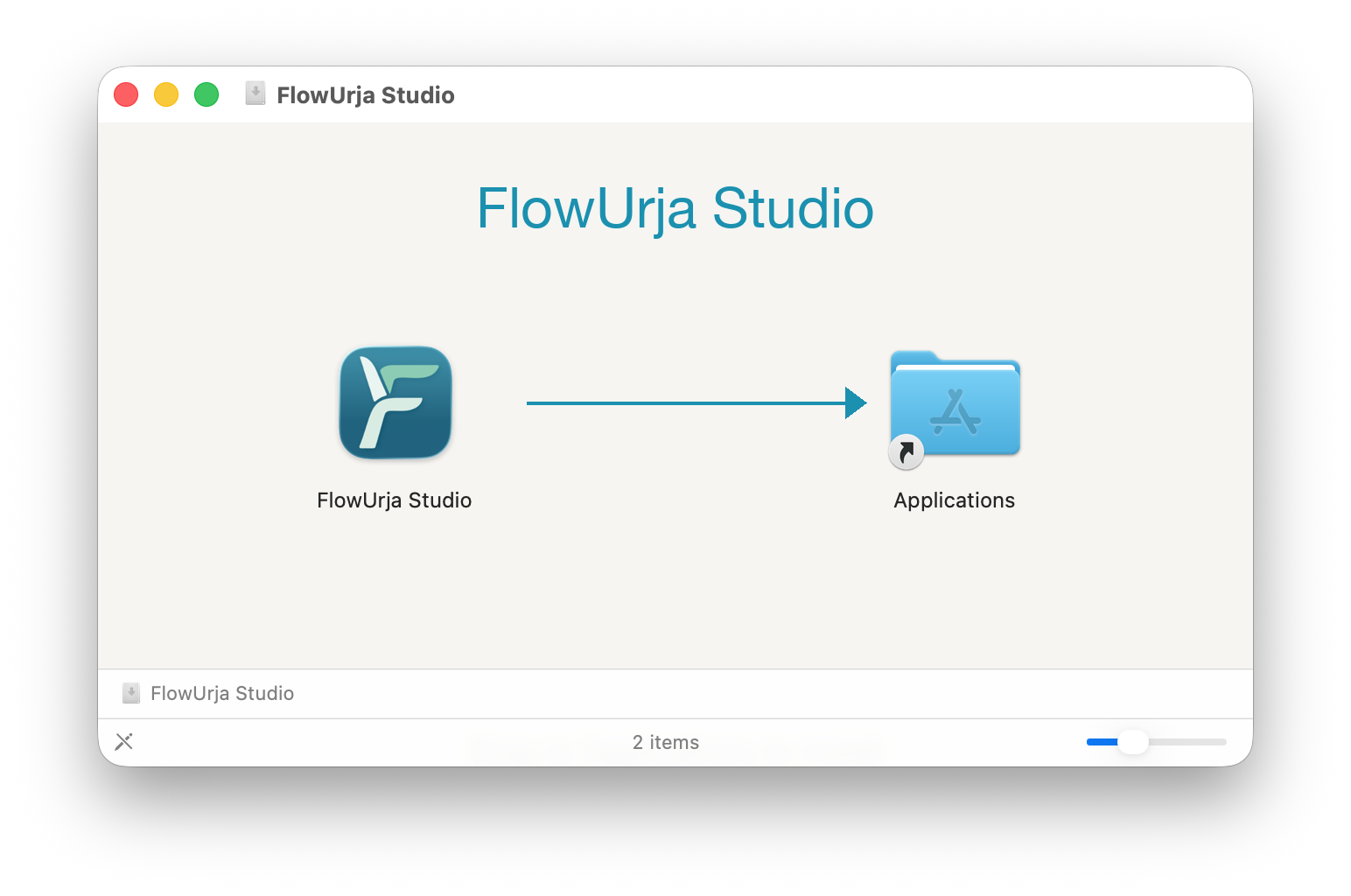
.dmgand drag FlowUrja Studio to your Applications folder. - Launch FlowUrja Studio from your Applications folder. The app is Apple-notarized and opens without any security prompt.
Windows
Section titled “Windows”Requirements: Windows 10 (64-bit) or Windows 11.
-
Download the latest
_x64-setup.exeinstaller from the Releases page. -
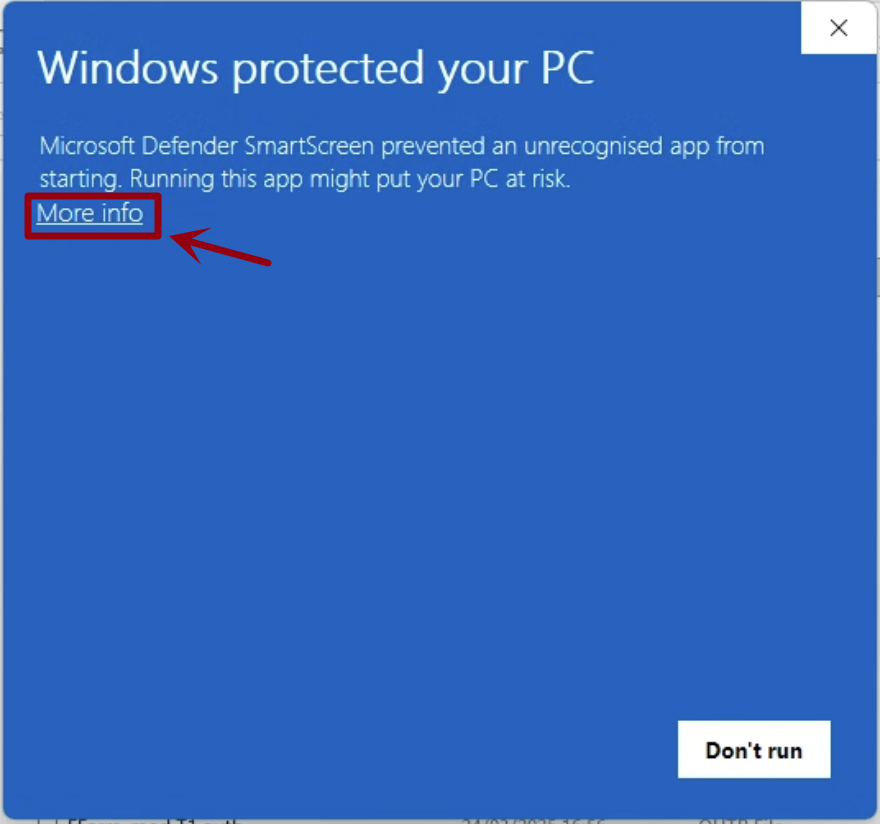
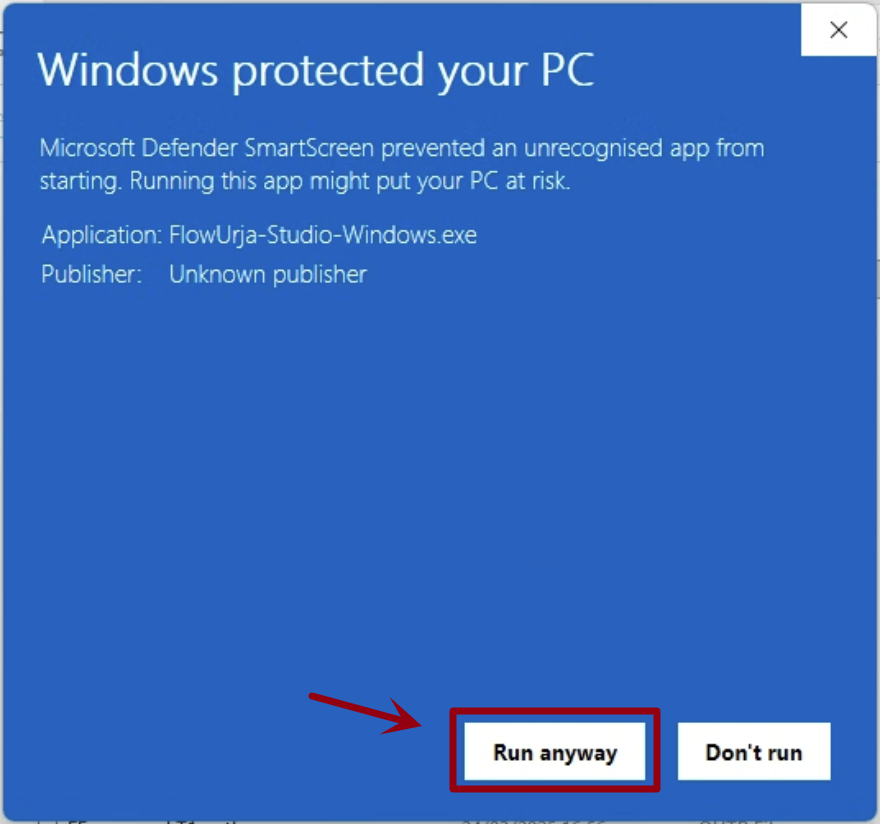
Run the installer. Windows Defender SmartScreen may show an “Unknown publisher” warning.
- Click More info
- Then click Run anyway
-
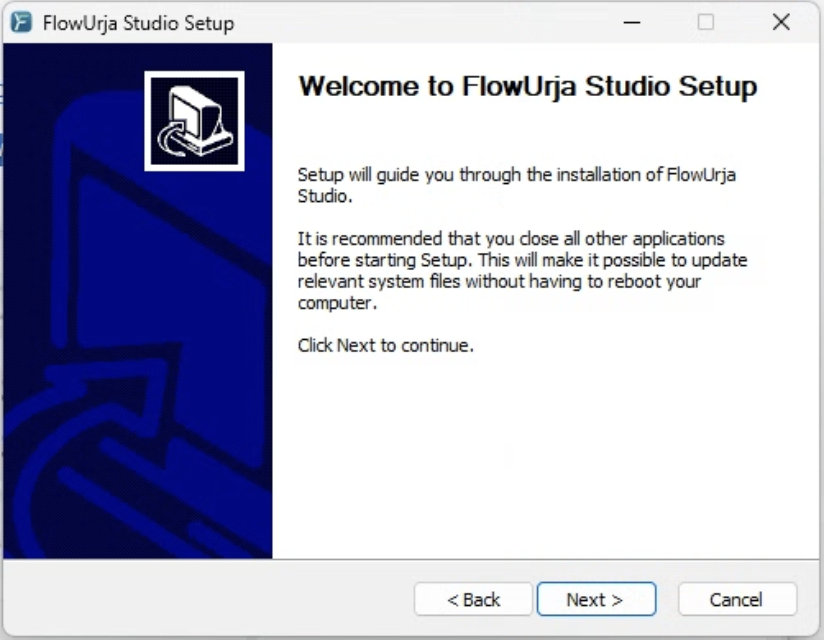
Follow the setup wizard prompts to complete the installation.
What’s bundled
Section titled “What’s bundled”| Component | Version |
|---|---|
| OpenFAST | v4.2.0 |
| TurbSim | v4.2.0 |
| ROSCO | v2.10.1 |
Updating
Section titled “Updating”FlowUrja Studio does not yet auto-update. To update, download and install the latest release from GitHub. Your projects and settings are preserved.